Back to Home

Would you let AI edit your ledger?

Wednesday, October 14, 2026

GM, !

This is AI Accounting Daily - no adjusting entries needed.
Here's what we got today: šŸ“’ Digits just let AI touch your ledger and somehow it's not terrifying 🧾 PEX is coming for your receipt matching and GL coding jobs šŸŽ›ļø Workday dropped an AI dashboard that basically runs your day

Latest in Accounting AI

1

Digits' AI Writes Your Ledger...Safely!

Digits just let AI write your ledger entries. Safely. Imagine telling your AI to recategorize expenses and it actually doing it—without screwing up closed books. Locked Periods mean no more rogue edits, just faster workflows. But how sure are you that your closed periods are really locked?
Read full story
2

PEX AI Takes Over Your Manual Tasks—and It Works!

PEX AI is taking over your manual tasks. Yep, even the ones you thought were safe. Imagine automating receipt matching and GL coding with a few clicks. And it’s not stopping there—it even connects with AI assistants like Claude and ChatGPT. Ready to let AI run your finance show?
Read full story
3

Workday's AI UI: Your New Accounting Dashboard

Workday's new AI UI just dropped, and it's wild. Imagine opening your dashboard and seeing every task and decision lined up, ready for action. It's not just about organizing—it's like having an autopilot for your accounting tasks. So, how exactly is it going to change the way you work?
Read full story

AI Applications

1. ⚔ Process Street standardizes complex client workflows with AI-powered checklists to eliminate manual errors, ensure audit-ready compliance, and free partner capacity for high-value advisory work.

2. ⚔ MeetGeek records, transcribes, and summarizes meetings, allowing accountants to track client discussions and action items accurately, improving client communication and follow-up efficiency.

3. ⚔ SaneBox filters and prioritizes accountant inboxes automatically so firms stop missing client emails, reclaim hours daily, and maintain faster response times during deadlines.

4. šŸ“ˆ Vena Solutions empowers your team with Vena Copilot, an AI planning agent that runs driver-based planning and predictive forecasting directly in Excel via chat.

5. šŸ’° Paylocity streamlines client payroll, expense management, and GL mapping with seamless accounting integration to save billable hours, ensure compliance, and achieve faster month-end reconciliation.

6. šŸ“‹ Corvee analyzes 1,500+ tax strategies and generates professional advisory proposals, enabling firms to productize tax planning services and dramatically increase firm revenue.

Updates in AI

1

OpenAI Drops 20 Updates, But ChatGPT Space Is the Real Game-Changer

OpenAI just dropped 20 updates like it's nothing. But the real kicker? ChatGPT's new 'Space' feature—think of it as your personal AI HQ. It's about to flip how we do everything. Are you ready to keep up?
Read full story
2

AI Risks and Cyber Blunders: Time to Panic, or Just Prepare?

AI risks are spiking, and cyber blunders are on the rise. So, is it time to panic? Experts are saying no, but should we trust that? Maybe it's just time to prepare... or maybe not.
Read full story
3

OpenAI's Dot Just Burned 300K Tokens Solo. Whoa.

OpenAI's Dot just went on a 300K token spree. All on its own! How does an AI blow through that many tokens solo? And what does it mean for the rest of us?
Read full story

Today's Spotlight

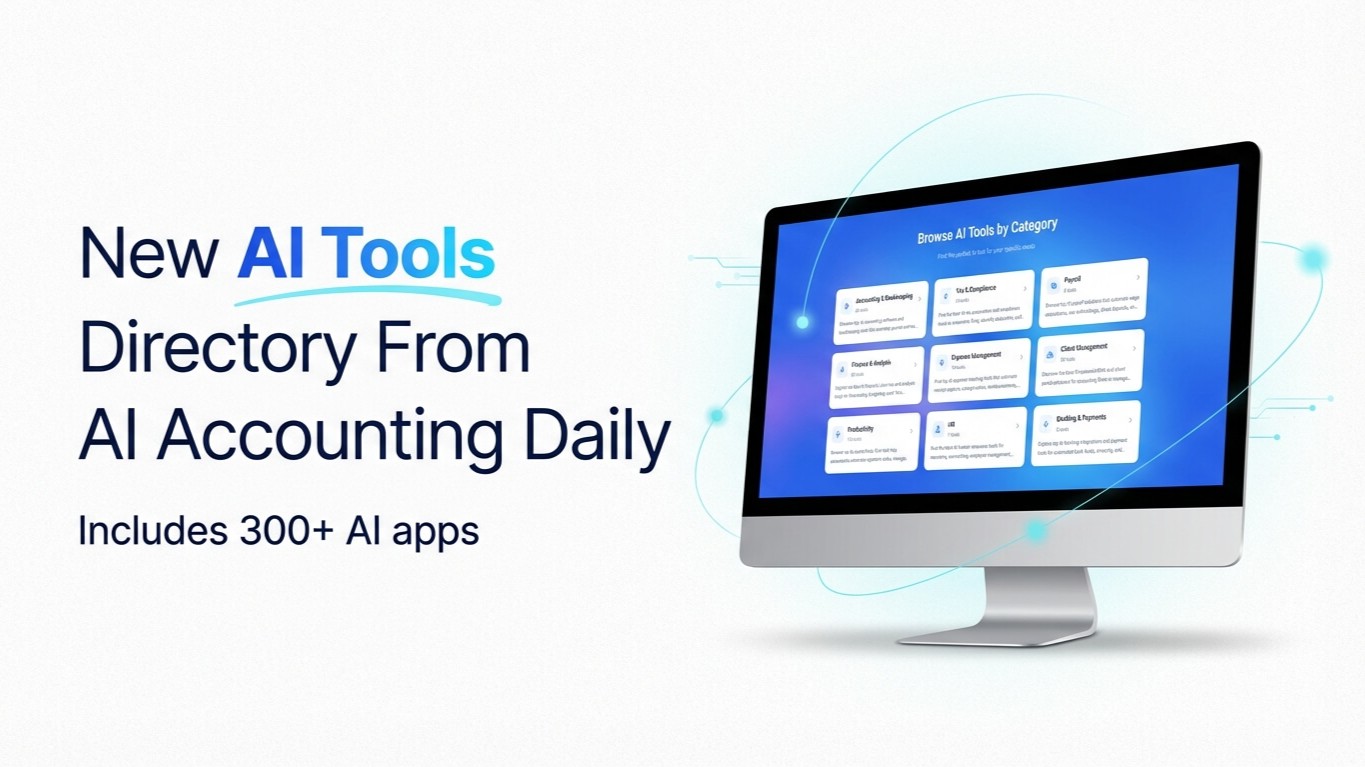
Our Curated Collection of AI-powered Tools

Our Curated Collection of AI-powered Tools


Prompt of the Day

Generate YouTube or Webinar Script Outlines
**Role:** You are a **marketing content producer** for an accounting firm creating educational video or webinar outlines. **Action:** Write a **script outline** for a **[INSERT VIDEO TYPE]** about **[INSERT ACCOUNTING TOPIC]**. **Context:** - Audience: small business owners or prospective clients - Goal: educate, build credibility, and generate leads through video content - Tone: conversational, confident, and approachable - Style: structured outline with talking points and time segments - Variables: - **Video Type:** [YouTube Tutorial / Webinar / Training Session] - **Topic:** [Tax Deductions / Cash Flow / Budgeting / Financial Planning] - **Duration:** [5 / 10 / 30 minutes] - **Host Name:** [INSERT NAME] - Structure: 1. Hook or opening question 2. Intro (host, topic, and audience) 3. 3–5 key teaching points 4. Example or case study 5. Call to action (book consultation, visit site, subscribe) - Output Length: **400–600 words**