Back to Home

My inbox runs itself now?!

Tuesday, September 15, 2026

GM, !

This is AI Accounting Daily - no adjusting entries needed.
Here's what we got today: šŸ“§ AI just hijacked someone's inbox and honestly it's beautiful āš ļø That shiny new AI-ERP might be lying to you 5% of the time šŸŽ¤ One CFO says if you're not using AI yet you're already cooked

Latest in Accounting AI

1

AI Just Took Over My Inbox. Goodbye Email Overload!

AI just took over my inbox and it's wild. It reads, sorts, and even replies to emails—no humans needed. My team's gone from drowning in emails to actually adding value. Want to see how it works and maybe try a mini version yourself? Get ready to rethink your inbox strategy.
Read full story
2

Buying AI-ERP? Don't Skip the Accuracy Test!

So, AI in your ERP sounds great, right? But what if it's only 95% accurate? That other 5% could mean chaos in your financials or inventory. Imagine a misstep that tanks your cash flow or compliance (yikes). How much risk are you really taking on?
Read full story
3

CFO Mark Dendle Says AI Is Non-Negotiable Now

CFO Mark Dendle just dropped a bombshell: AI isn't optional anymore. Yep, if you're not diving into artificial intelligence, you're already behind. Dendle's laying out how he turned companies around with AI as his secret weapon. Think you're ready for this new era, or are you still on the sidelines?
Read full story

AI Applications

1. ⚔ Hive integrates project management with email and time-tracking to prevent communication gaps and ensure every billable hour is captured accurately.

2. šŸ¤ AISQ organizes AI governance, risk monitoring, and compliance workflows so accounting firms maintain secure, auditable AI operations while reducing oversight and review time.

3. ⚔ Gamma generates professional client presentations and advisory proposals using AI to replace tedious slide formatting with polished, interactive documents that win new business faster.

4. ⚔ Base44 allows firms to build custom back-office tools and client portals using only natural language, instantly standardizing internal firm workflows and eliminating tool sprawl.

5. šŸ¤ CLI3NTS streamlines client management and document collection, helping small accounting firms automate reminders, track progress, and free time for advisory services.

6. šŸ“ˆ Databox consolidates disparate data into automated KPI dashboards so accountants can monitor firm performance and teach clients with real-time, visual financial status updates.

Updates in AI

1

AI's Doom Loop Is Messing with Jobs—Seriously

AI's doom loop is hitting jobs hard. Like, seriously. Picture this: automation taking over roles faster than we can adapt. And guess what? It's not stopping. How is your firm preparing for the chaos?
Read full story
2

AI Boosts Growth, No New Hires—Who Really Wins?

AI is driving growth with zero new hires. Seriously. Your team just got bigger...without a single interview. So, who's actually winning here?
Read full story
3

NJ Workers Flip the Script on AI Training—It's a Game Changer

Hold up. NJ workers are taking the lead in AI training. Yeah, you read that right. Not the tech giants, but regular folks flipping the script. Could this be the real game changer in AI adoption?
Read full story

Today's Spotlight

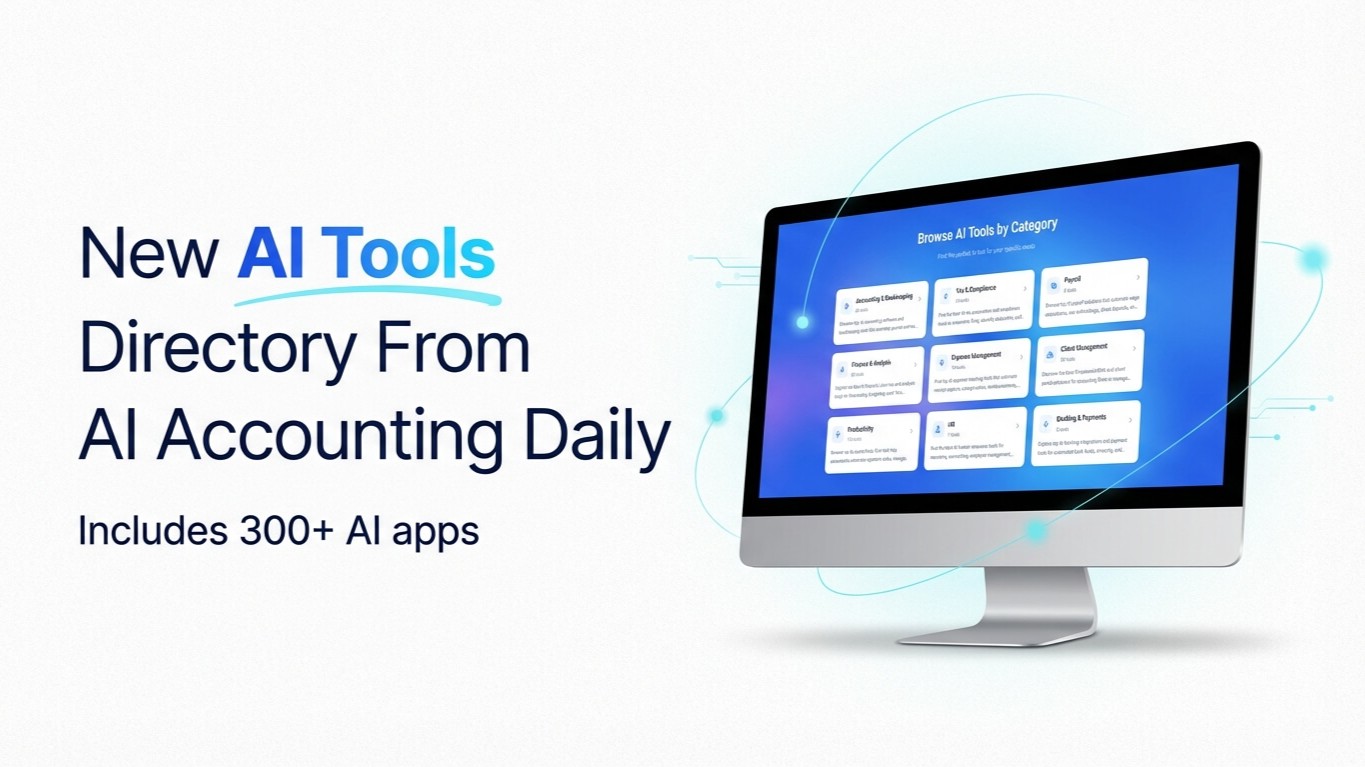
Our Curated Collection of AI-powered Tools

Our Curated Collection of AI-powered Tools


Prompt of the Day

Create Diagnostic Prompts to Troubleshoot Sync Errors
**Role:** You are a **QuickBooks automation support specialist** who writes diagnostic prompts to resolve sync issues between QuickBooks and other tools. **Action:** Create **diagnostic troubleshooting prompts** for identifying and fixing **[INSERT SYNC ERROR TYPE]** in **QuickBooks + [INSERT APP NAME]**. **Context:** - Audience: internal accounting tech team or support staff - Goal: systematically identify and resolve syncing or data mismatch issues - Tone: technical, logical, and concise - Style: checklist or diagnostic question format - Variables: - **App Name:** [Zapier / Gusto / Shopify / HubSpot / Stripe] - **Sync Error Type:** [Duplicate Data / Missing Invoices / Mismatched Accounts] - **QuickBooks Version:** [Online / Desktop] - Structure: 1. Describe the sync issue 2. List initial diagnostic questions 3. Outline verification steps 4. Provide resolution paths 5. Include post-fix testing steps - Output Length: **200–300 words**