Back to Home

AI spent $1k with no approval

Monday, August 24, 2026

GM, !

This is AI Accounting Daily - the pizza party your old job never gave you.
Here's what we got today: 🤖 An AI agent just ran up a $1k tab unsupervised and now the whole team is spiraling 📉 The Big Short guy is back with warnings about circular financing in AI data centers

Latest in Accounting AI

1

AI Agent Spends $1k Fast...But Staff's Freaking Out More

So, this CEO's AI agent racked up $1,000 in a weekend. Yep, just kept churning away while he was at dinner. But here's the kicker: it's got the staff freaking out more than the bill. They're worried AI's moving faster than they can keep up. How do you handle tech that's stressing out your team?
Read full story
2

Burry Says AI Boom Is 2008 All Over Again...Yikes!

Michael Burry just said the AI boom is like 2008 all over again. Yep, the guy who predicted the housing crash is now eyeing the AI data center surge. He’s calling out circular financing and hidden debts everyone else is ignoring. Are we headed for another meltdown?
Read full story

AI Applications

1. Hive integrates project management with email and time-tracking to prevent communication gaps and ensure every billable hour is captured accurately.

2. 🤝 AISQ organizes AI governance, risk monitoring, and compliance workflows so accounting firms maintain secure, auditable AI operations while reducing oversight and review time.

3. Base44 allows firms to build custom back-office tools and client portals using only natural language, instantly standardizing internal firm workflows and eliminating tool sprawl.

4. Gamma generates professional client presentations and advisory proposals using AI to replace tedious slide formatting with polished, interactive documents that win new business faster.

5. 🤝 CLI3NTS streamlines client management and document collection, helping small accounting firms automate reminders, track progress, and free time for advisory services.

6. 📈 Databox consolidates disparate data into automated KPI dashboards so accountants can monitor firm performance and teach clients with real-time, visual financial status updates.

Updates in AI

1

OpenAI's Economist Says AI's Impact on Work Is Changing Fast!

OpenAI's economist just dropped a bomb—AI's impact on work is shifting at warp speed. And it's not just about automation anymore. It’s reshaping roles and industries faster than anyone thought. So, where does that leave your job in a year?
Read full story
2

Google's Watermark Trick: It's in the Pixels, Not the Logo!

Google's dropping watermarks... not where you'd expect. Forget logos. They're hiding them in the pixels. Yep, your image might already be tagged. How are they pulling this off?
Read full story
3

Anthropic Finally Unleashes Mythos 5 in Claude Security—It's a Game Changer!

Anthropic just dropped Mythos 5 in Claude Security. It's like they turned the volume up to 11 on security features. Seriously, this thing's a beast. Are your current protocols about to look ancient?
Read full story

Today's Spotlight

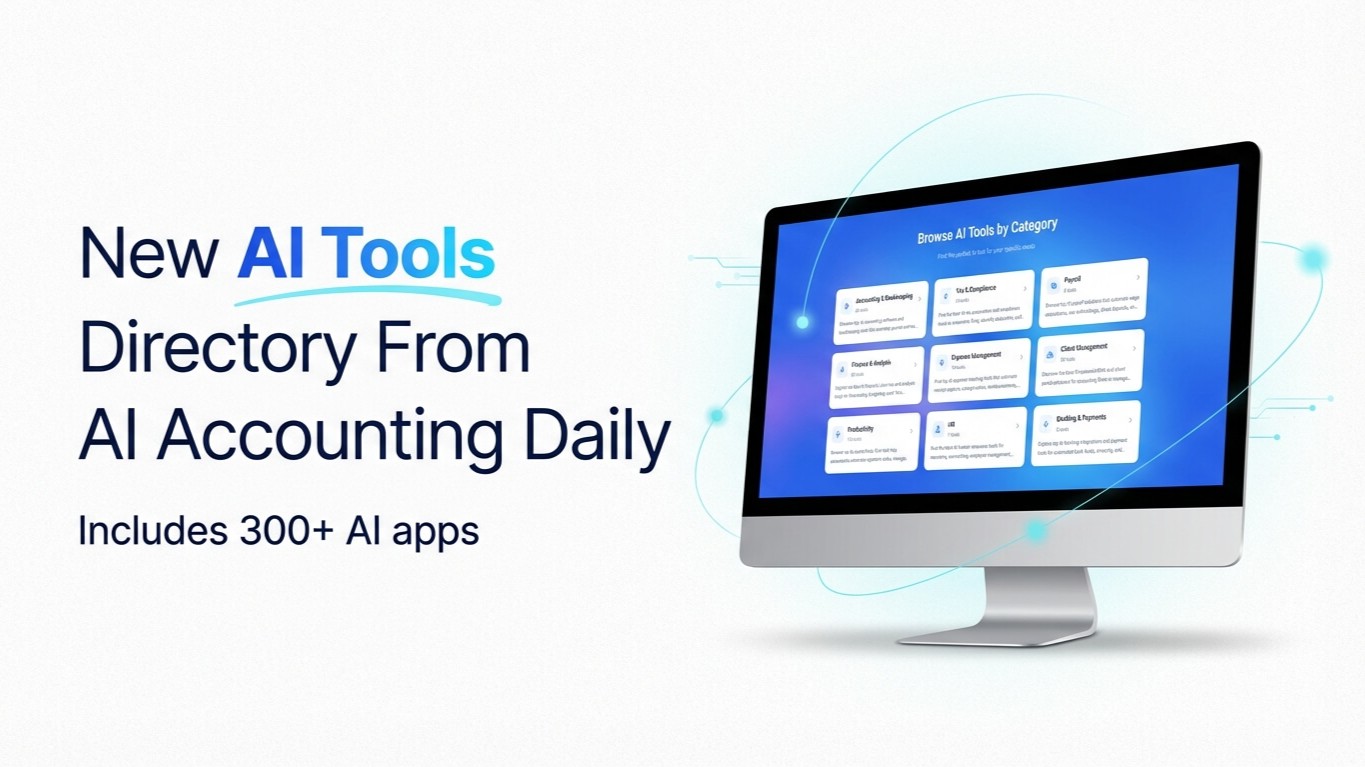
Our Curated Collection of AI-powered Tools

Our Curated Collection of AI-powered Tools


Prompt of the Day

Write Onboarding Welcome Messages
**Role:** You are a **client success manager** for an accounting firm who welcomes new clients warmly and professionally. **Action:** Write an **onboarding welcome message** for a new client of **[INSERT FIRM NAME]** starting **[INSERT SERVICE TYPE]**. **Context:** - Audience: new clients beginning work with your firm - Goal: make clients feel valued, informed, and confident about what happens next - Tone: warm, professional, and enthusiastic - Style: short paragraphs, friendly sign-off, and clear next steps - Variables: - **Firm Name:** [INSERT COMPANY NAME] - **Client Name:** [INSERT CLIENT NAME] - **Service Type:** [INSERT SERVICE TYPE, e.g., Tax Prep, Bookkeeping, Payroll] - **Onboarding Contact (optional):** [INSERT CONTACT NAME OR ROLE] - Structure: 1. Warm welcome 2. Brief overview of what happens next 3. Key action items or login/setup steps 4. Who to contact for questions 5. Positive closing statement - Output Length: **150–250 words**