
Back to Home

Your team missed €2m...AI didn't

Sunday, April 19, 2026

GM, !

This is AI Accounting Daily - no adjusting entries needed.
Here's what we got today: 🔍 Claude Opus 4.7 just caught €2m in errors your team missed 📊 AI cleaned my nightmare Excel files in under an hour 💰 Payroll software is now predicting staffing needs from weather forecasts

Presented By

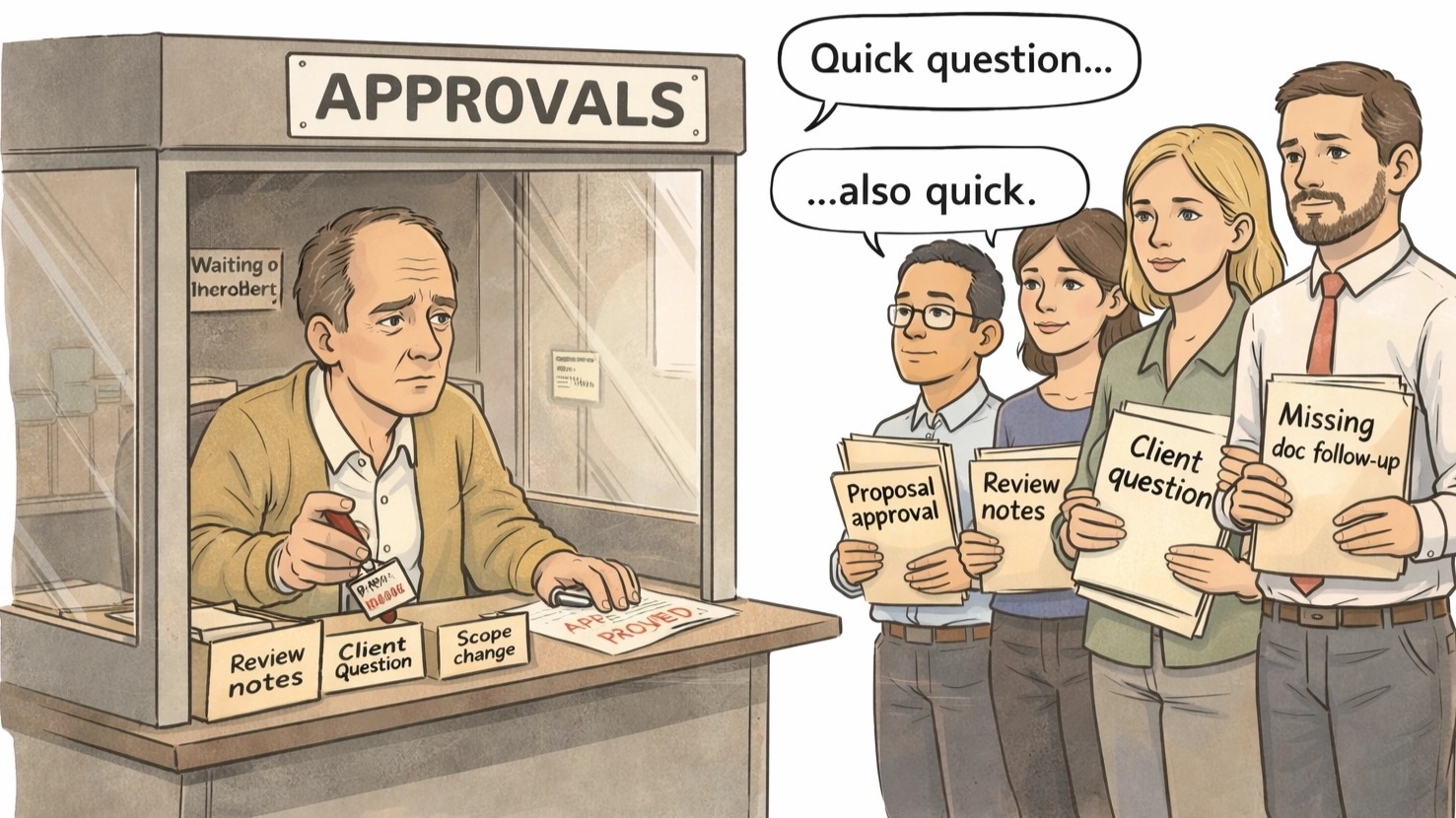
If work only moves when you push it, you’re stuck being the traffic cop

If work only moves when you push it, you’re stuck being the traffic cop

That was my firm. Returns waited on sign-off. Managers waited on review.

Preparers waited on answers. Clients followed up because no one owned the reply.


It wasn’t a people problem. It was our workflow.


So we hired Opzer.


They redesigned how work moved: clear ownership, automatic handoffs,

simple tracking. Work progressed without me hovering.


No new hires. No new software. No new chaos.


They built and implemented done-for-you automation inside our firm.

Latest in Accounting AI

1

Claude Opus 4.7 Finds 11 Errors Your Team Missed

Claude Opus 4.7 just did what your entire FP&A team couldn't. It spotted 11 errors in a messy pile of spreadsheets—stuff your team missed. Imagine handing a new hire that mess and them flagging €2m in audit issues. Kind of insane, right? So what happens when AI sees more than humans?
Read full story
2

AI Fixed My Messy Excel Sheets in an Hour!

AI just cleaned my chaotic Excel files in an hour. Seriously, all those mismatched formats and errors? Gone. No more manual drudgery or endless formula tweaking. You won’t believe how easy it was. Ready to let the bot save your sanity?
Read full story
3

Payroll in 2026: AI Is Your New Best Friend

Rippling, Gusto, and BambooHR are about to make your payroll spreadsheets look like ancient history. AI is taking over, handling everything from tax filing to time tracking, and even predicting staffing needs based on weather forecasts. The days of manual oversight are fading fast. But are your payroll systems ready for this AI takeover?
Read full story

AI Applications

1. Client Hub uses AI to streamline client communication, automate workflows and close review tasks so your firm centralizes collaboration and accelerates month‑end closes.

2. 🧾 Ramp automates spend management and accounting workflows so your firm closes books faster, reduces manual errors and refocuses resources on profitable advisory services.

3. Many Chat automates social media inquiries and booking flows to build a predictable pipeline and respond faster to prospective clients.

4. 🤝 CLI3NTS streamlines client management and document collection, helping small accounting firms automate reminders, track progress, and free time for advisory services.

5. SmartSuite consolidates practice management and client data to automate document collection and standardize workflows for predictable, profitable delivery.

6. 🤝 Canopy streamlines client management, task tracking, and document requests so accounting firms eliminate email chaos, accelerate workflow visibility, and deliver smoother client experiences.

Updates in AI

1

Codex Just Leveled Up—It's Now an AI 'Super-App'!

Codex just got a massive upgrade—it's now an AI 'super-app'! Imagine everything you need, all in one place. And it's smarter than ever. But what exactly makes it a 'super-app'?
Read full story
2

Walmart's AI Shops for You Now. Seriously.

Walmart's AI is now your personal shopper. Seriously. Imagine AI picking your groceries while you binge Netflix. Sounds like sci-fi, right? But how does it actually work?
Read full story
3

Uber Blows $3.4B on AI…Back to Square One

Uber just burned through $3.4 billion on AI... and got zilch. Like, how do you even manage that? Turns out, the AI projects went nowhere. Seriously, what's the next step when you're back at square one?
Read full story

Today's Spotlight

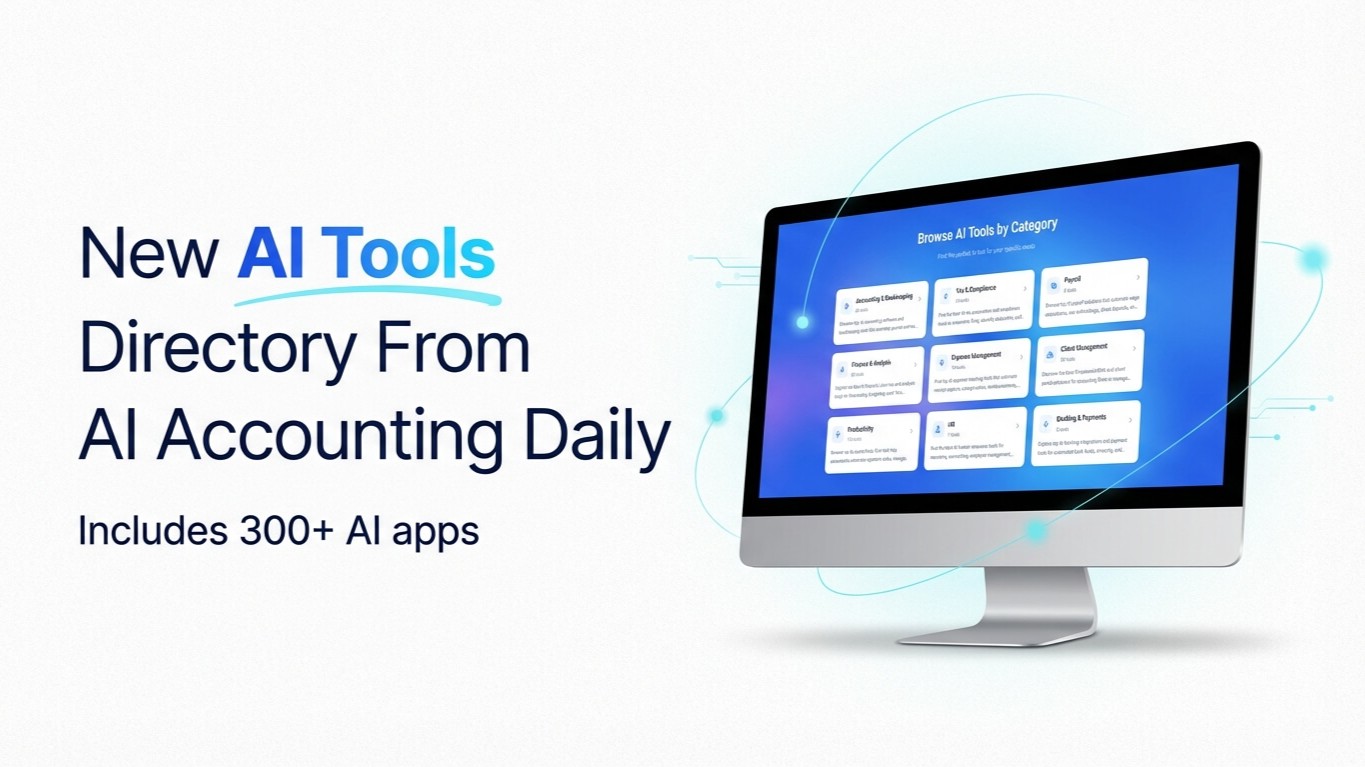
Our Curated Collection of AI-powered Tools

Our Curated Collection of AI-powered Tools


Prompt of the Day

Write LinkedIn Posts Explaining Accounting Concepts
**Role:** You are a **marketing copywriter for an accounting firm** who writes engaging, educational LinkedIn posts for small business owners. **Action:** Write a **LinkedIn post** explaining **[INSERT ACCOUNTING CONCEPT]** in a way that’s clear, approachable, and relevant to **[INSERT AUDIENCE TYPE]**. **Context:** - Audience: small business owners, entrepreneurs, or professionals - Goal: build trust, demonstrate expertise, and drive engagement - Tone: conversational, authoritative, and confident - Style: LinkedIn-style post (short paragraphs, emojis optional, no hashtags) - Variables: - **Accounting Concept:** [Depreciation / Cash vs. Accrual / Chart of Accounts / Expense Categorization] - **Audience Type:** [Small Business Owners / Contractors / E-Commerce Brands] - **Call to Action:** [DM us / Comment below / Visit website] - Structure: 1. Hook or relatable question 2. Clear explanation with simple analogy 3. Why it matters for the reader 4. Call to action or takeaway - Output Length: **120–200 words**