
AI Applications
1. 🤝 zoominfo prioritizes ideal client segments and buyer intent data so accounting firms can build a predictable pipeline and profitably grow their advisory services.
2. 🤝 Dealfront automates website visitor identification and lead enrichment so firm owners identify high-intent prospects, build a predictable sales pipeline, and grow advisory revenue.
3. ⚡ Hume AI powers empathic voice interfaces for client support so firms deliver more personalized, human-like responses while maintaining high-volume communication across all digital channels.
4. ⚡ Windsor ai consolidates cross-channel data into live dashboards so firm owners eliminate manual Excel reconciliation and provide clients with proactive, data-backed advisory insights.
5. 🧾 Shoeboxed automates receipt scanning and expense categorization so accounting firms eliminate manual data entry, reduce errors, and gain accurate, auditable client expense records.
6. 🤝 Softr builds secure, no-code client portals and live dashboards to automate client document collection, eliminating version chaos and freeing capacity for advisory.
Prompt Ideas
Create Diagnostic Prompts to Troubleshoot Sync Errors
Presented By
Client uploaded one giant PDF. I didn't cry.
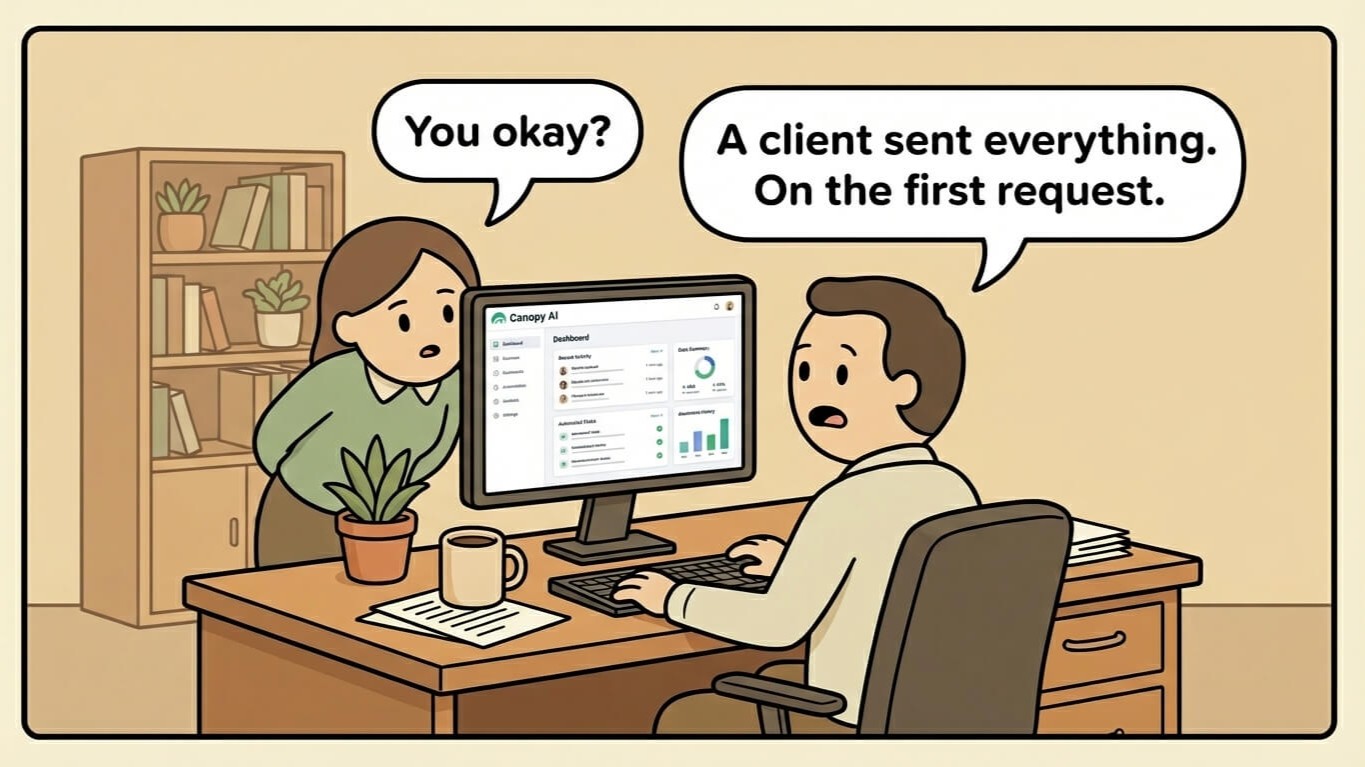
It was 87 pages. W-2s. Bank statements. A 2019 grocery receipt. Six copies of the same 1099.
All in one unholy PDF named "tax stuff final."
I used to spend an hour splitting these apart. Renaming. Sorting. Double-checking I didn't miss anything buried on page 73.
That's not accounting. That's unpaid IT work.
I switched to Canopy. Now? The AI rips the PDF apart.
Matches each doc to my checklist. Renames them using my firm's naming rules.
I didn't touch anything.
Stop sorting. Start working. Use Canopy.